
01Start with a thought.
Start with a thought.
See where it takes you.
Describe a scene or begin with a reference image. Create and edit images right from your desktop.

A desktop app for local AI image creation.
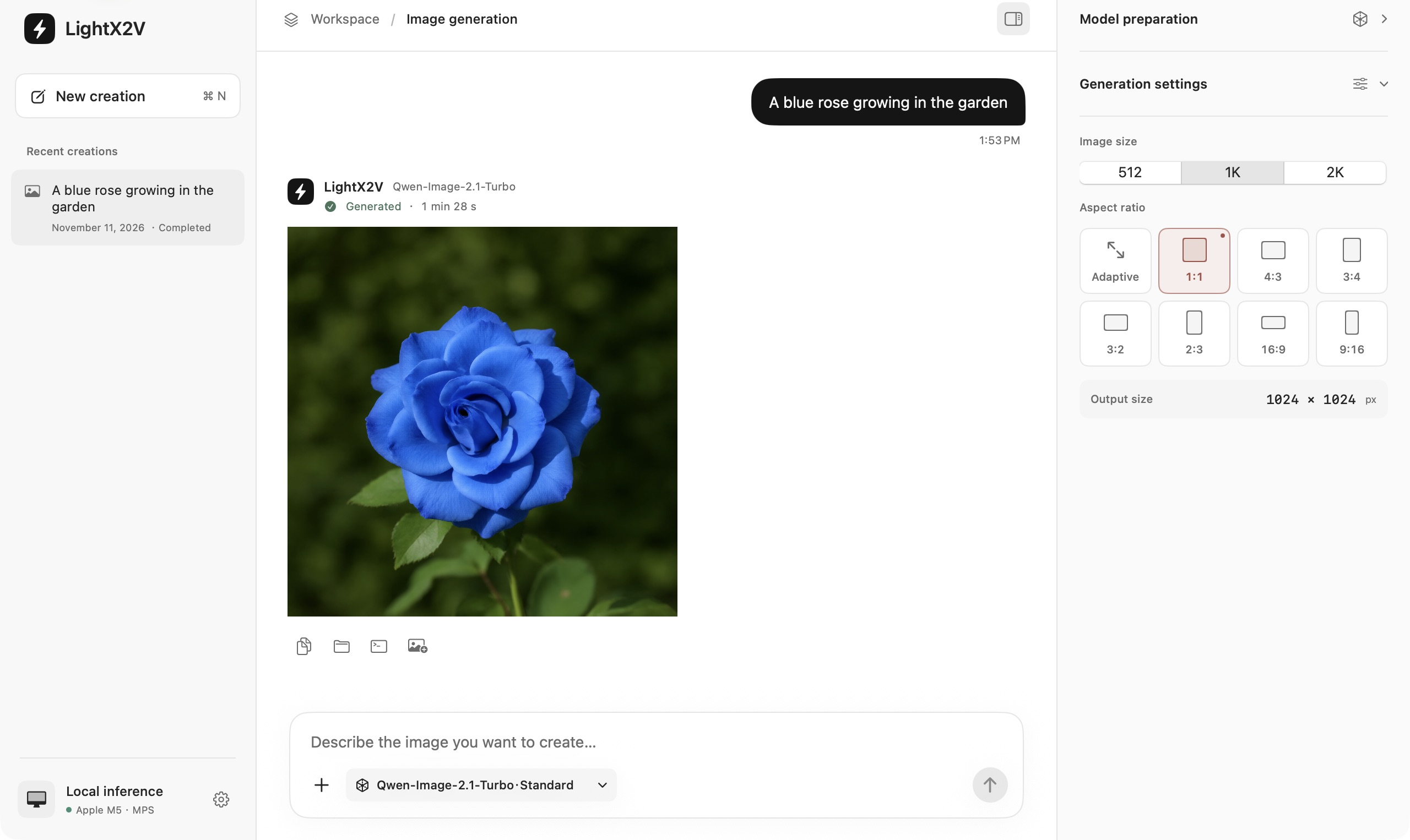
Describe a scene or begin with a reference image. Create and edit images right from your desktop.
Run the image model on your own computer. Once the environment and models are ready, image generation happens locally.
An internet connection is needed for the initial environment and model downloads.
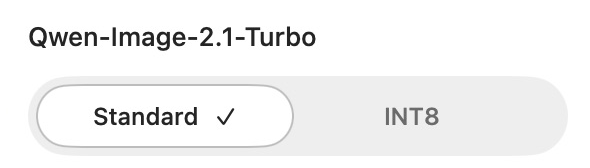
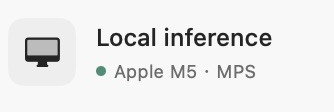
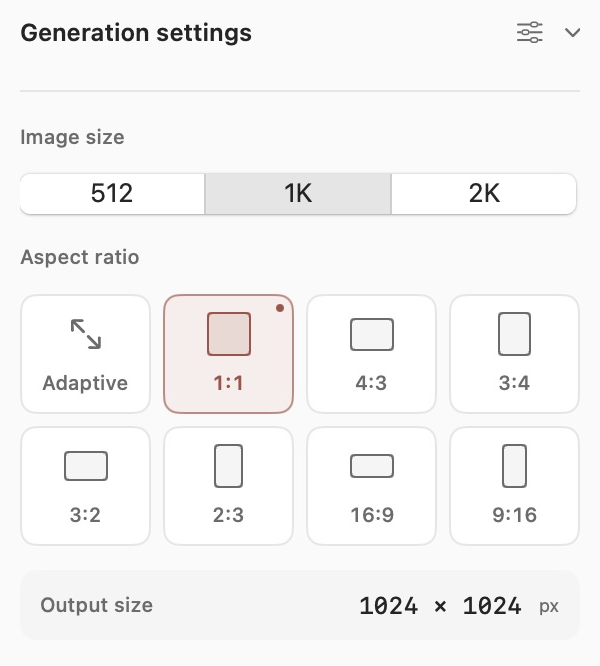
An app built around the essentials: prepare your model, describe what you want, and generate. Spend more time exploring the result.

Made with LightX2V



macOS 14 or later · Apple Silicon
Windows 11 · x64
The app uses your own hardware. On first launch, follow the setup steps to prepare the environment and download the models. Hardware, memory, and storage requirements vary by model.
Download and extract the ZIP, then open LightX2V. If macOS asks you to verify the developer, see the steps below.
Extract the entire ZIP, open LightX2V.Windows.exe, and follow the setup wizard. Current builds are unsigned.
The desktop apps support local text-to-image generation, reference-image editing, and optional prompt enhancement. Check each platform’s guide for the features available in its current build.
The Mac app requires Apple Silicon and macOS 14 or later. It has been verified on an M4 Pro with 24GB of unified memory; that is a tested configuration, not a universal minimum. The Windows app targets Windows 11 x64, with AMD ROCm and NVIDIA CUDA support in preview. Memory and storage requirements depend on the selected model.
Windows tested hardwareAfter attempting to open an app downloaded from the official repository’s Releases, go to System Settings → Privacy & Security. Find LightX2V, choose Open Anyway, and follow the system prompts.
Mac installation guideExtract the complete ZIP before opening LightX2V.Windows.exe. Follow the wizard to prepare the environment and download the models. Current Windows builds are unsigned; follow the official guide for the setup steps.
Windows installation guideStable is the recommended release channel. Latest is a rolling build updated after successful builds; it is not a Stable release. Preview builds are available to try while features and compatibility are still being refined. Mac uses Stable. Windows prefers a downloadable Stable release, then Latest, then Preview.
You need an internet connection to prepare the environment and download models. Image inference runs on your computer. Updating the app, adding models, or fetching additional dependencies requires a connection.
Yes. The app is free to use. Local creation uses your own computer, so the hardware, storage, and electricity are yours to provide.